
How to install Device Integrator
Device Integrator is a service used for communication with devices and to identify workstation.
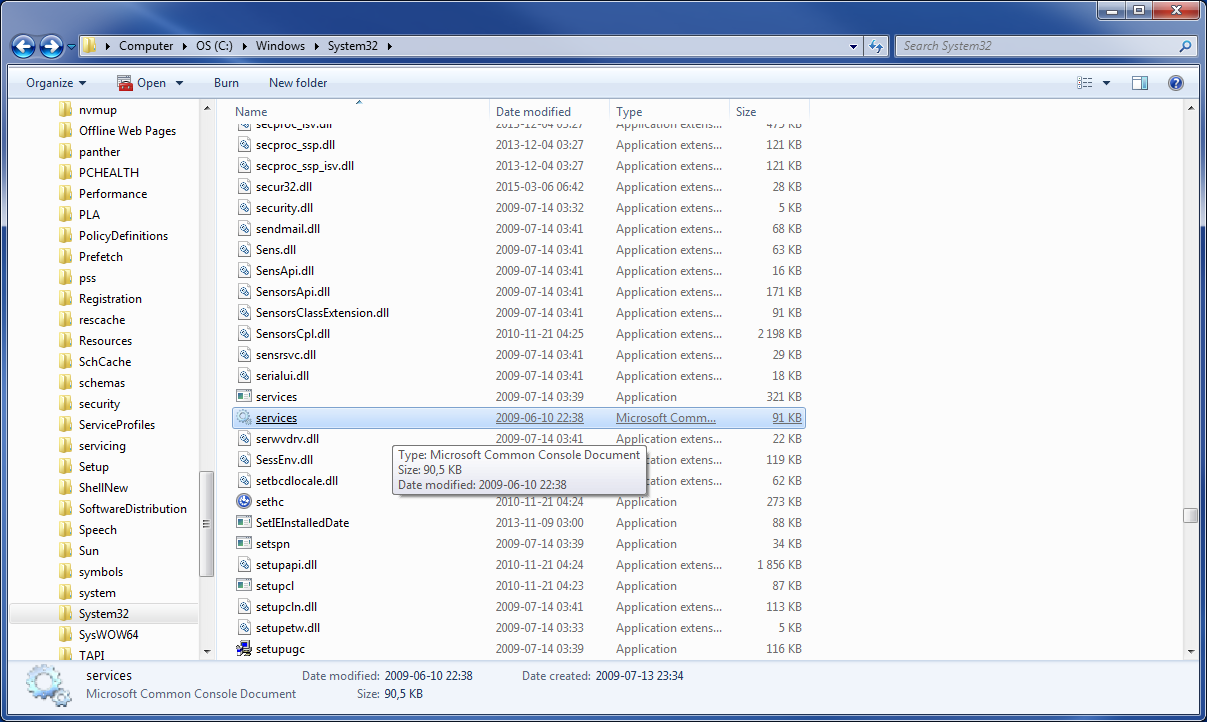
On the system disk (where system is installed), go to Windows\System32 i.e. C:\Windows\System32 , find program called "services.msc" and launch it.
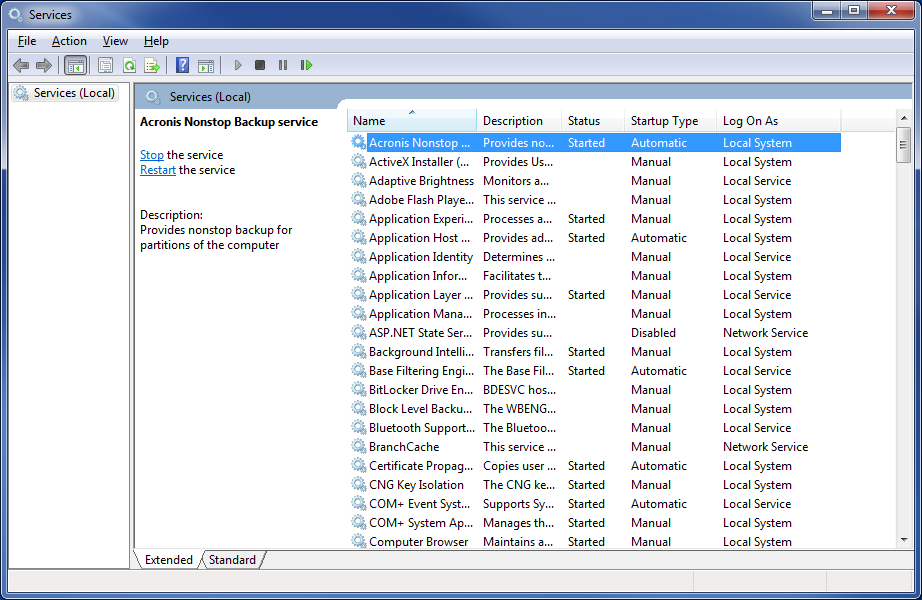
List of services will appear in front of you.
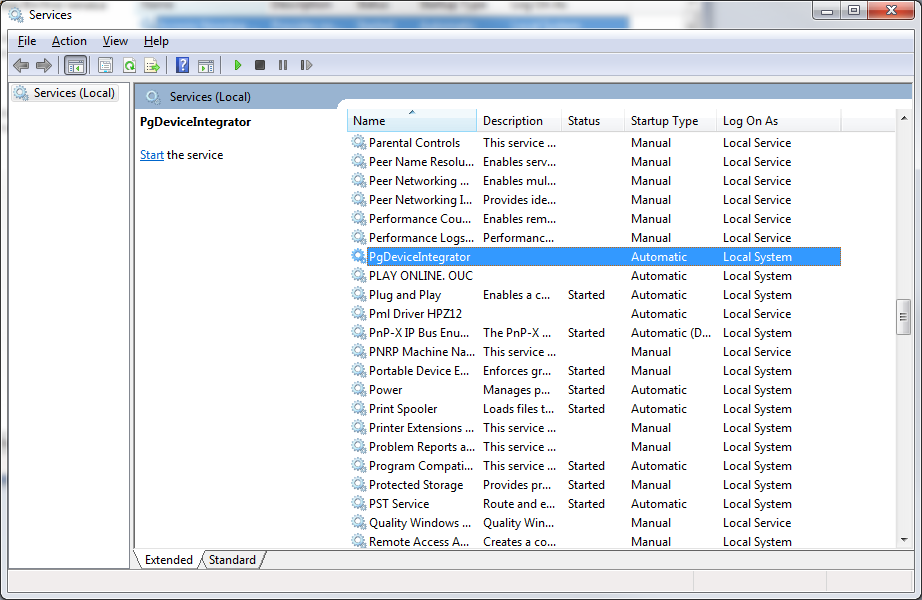
On the list find Device Integrator service and check it's status.
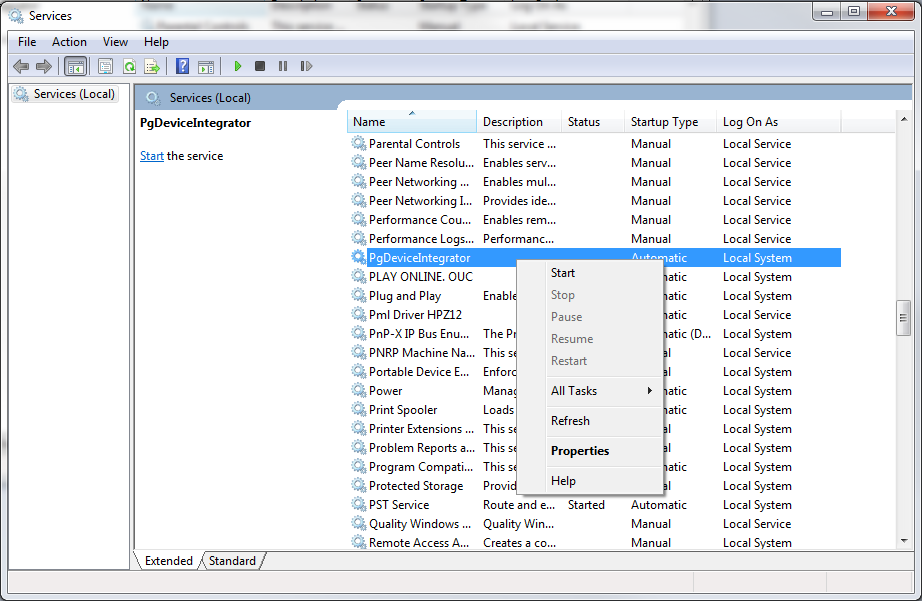
A. If the service has empty status, then press right mouse button on the service name and choose "start". After that return to our application.
B. If the service has "running" status, but application is not working even after pressing "Restart application" button, or refreshing the browser, please contact our support to resolve the issue (22) 356 32 12, support@perfectgym.com.